Career representation
See how you fit a job — before you apply.
Paste a job description. cvgraph matches it against your skill graph and shows where you are strong, where you partially cover the requirements, and where the gaps are.
Paste a job, get a fit verdict
When you paste a job description, cvgraph analyses the role requirements and matches them against the skills and levels in your own graph. The result is an overall fit figure alongside a breakdown of which skills matched fully, which are partially covered, and which are absent.
The score reflects where your current graph stands relative to that role — it is a structured comparison, not a keyword count.
Example
Matched
- Data analysis
- SQL
- Stakeholder communication
- Project delivery
Partial
- Python (intermediate — role expects senior)
- A/B testing
Gaps to close
- dbt
- Looker or equivalent BI tool
A fit position, not a verdict — see where to focus and what to close.
Matched, partial, and the gaps to close
The breakdown separates fully matched skills from partial matches — skills present in your graph but at a level below what the role requires — and gaps where the skill is absent entirely.
The gap list is the most useful output: it shows exactly what to develop before applying, or what to address directly in an interview.
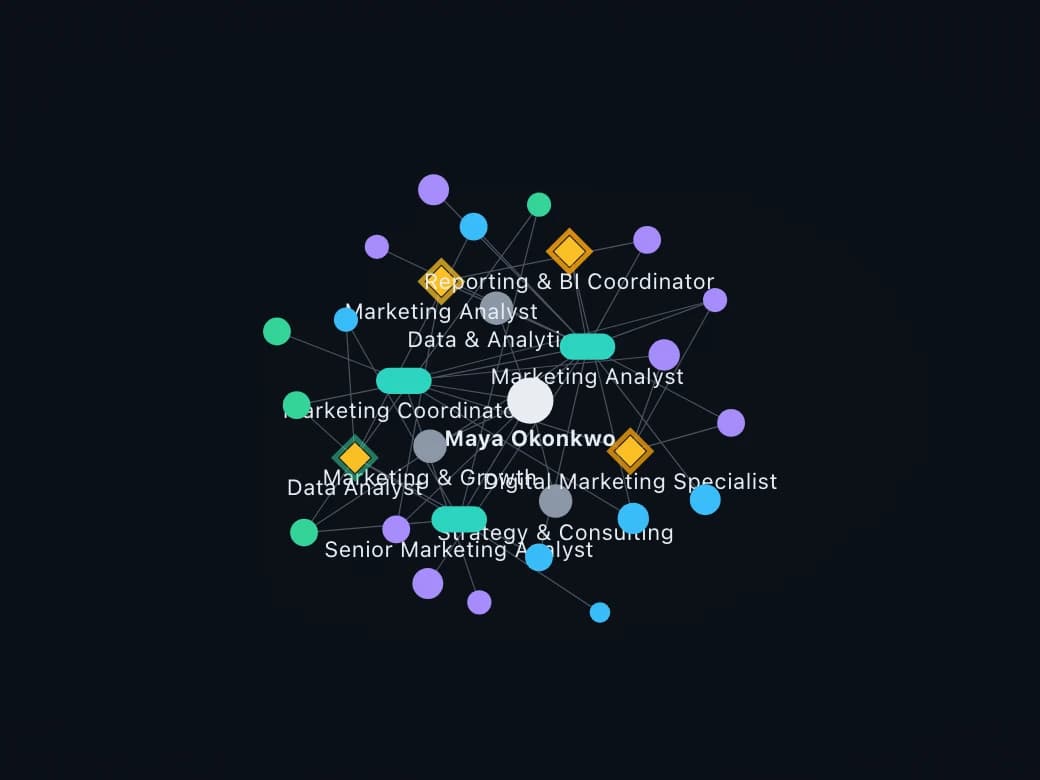
On Pro+, target the role and close the gaps
Found a role worth aiming for? On Pro+, Target this role saves it as your target. The gap plan then lists each skill you are missing or only partly cover, with a course to close it where we have a match.
Add the whole plan to My Learning in one step. When you finish a course it becomes evidence in your graph; re-run the score and you see the gap close and your fit move.
My Progress keeps the target in view: the role, your current fit and how many gaps are left, one click from the gap plan.
Start free
Your first JD-fit scoring is free — no subscription required. Score one role against your graph and see the full verdict.
Unlimited scoring is available on Pro and Pro+, so you can score as many roles as you want as your search progresses.